
The best landscaping business software in 2026
There is no single best landscaping business software. Here is an honest, vendor-neutral roundup of the tools Irish landscapers and gardeners actually run, compared on scheduling, CRM, quoting and payments, plus the call-answering layer none of them cover.

On this page
There is no single best landscaping business software. There is a handful of jobs the software needs to do well, and the right pick depends on which one is currently costing you time or money. For most Irish landscapers and gardeners the best stack is a job-management tool like Jobber or ServiceM8 for scheduling, quoting and invoicing, a payment provider to get paid on time, and a call-answering layer so new enquiries never go to voicemail.
Search "best landscaping business software" and the whole first page is vendors crowning their own product, plus a forum thread of gardeners asking which one anyone actually rates. Nobody lays the options side by side honestly. So here is the version that does, grouped by the job each tool is good at rather than by who paid to be on the list.
What a landscaping business actually needs from software
Forget the brand names for a minute and think in jobs to be done. A working landscaping or gardening business needs software to handle some or all of:
- Scheduling and job management, so the diary is shared and you stop double-booking crews.
- Customer records and history, so you know who is on a maintenance round and what they paid last time.
- Quoting and invoicing you can build and send from site, before you have packed the van.
- Getting paid, with card and bank payments that do not chase themselves.
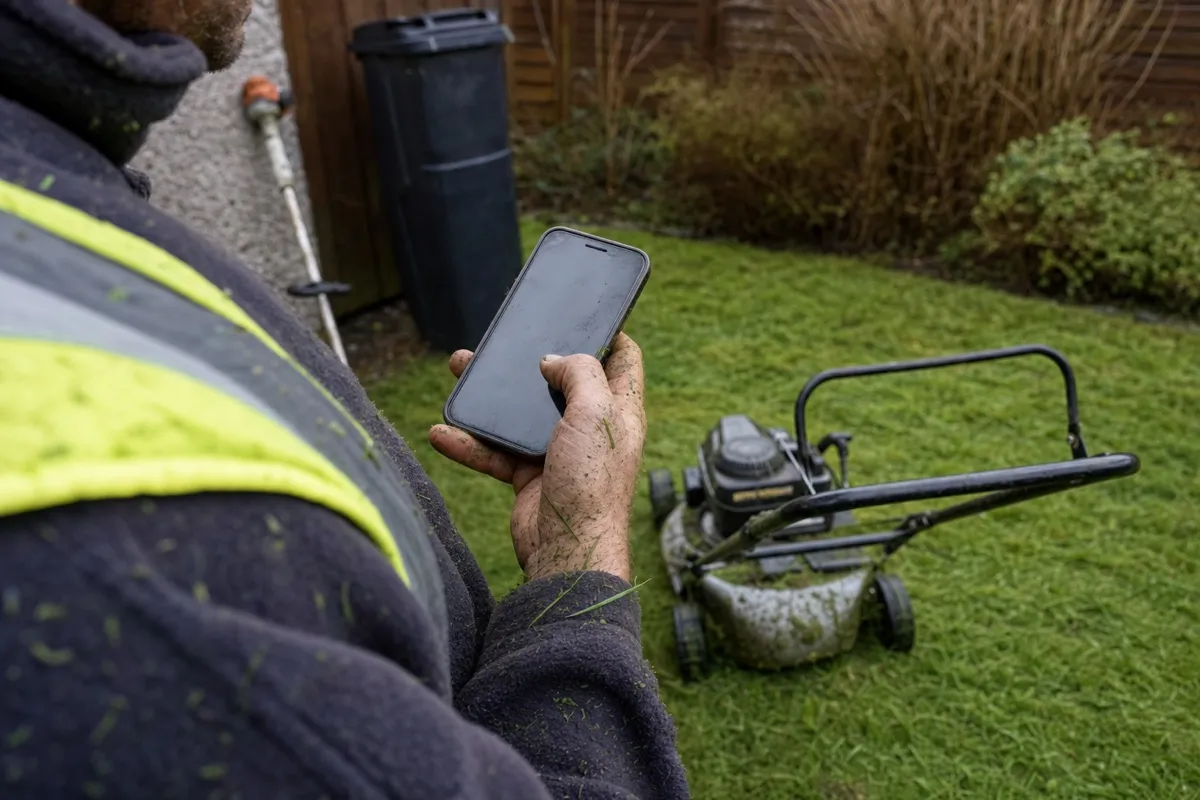
- Answering the phone, so a new enquiry while you are behind a mower does not go straight to voicemail.
Almost nobody buys all of that as one product, and you should not try to. Fix the category that is currently costing you money first, then add the rest as you grow.
What to look for before you buy
A few things separate a tool you will still use in a year from one that gathers dust after a fortnight.
- Mobile-first. You are rarely at a desk. If you cannot run it one-handed on a phone in a garden, it will not get used.
- Integrations. Your job tool should talk to your accounts and payments so nothing gets keyed in twice.
- Honest pricing. Watch for per-user fees that bite the moment you take on a second pair of hands, and "from" prices that climb once you switch features on.
- The enquiry gap. Almost every tool assumes the call already reached you. Few do anything about the one that did not. That gap is worth pricing in before you buy.
Scheduling and job management
This is the core category most people mean by "landscaping software": the diary, job tracking, who is where, and stopping clashes across crews.
- Jobber is a polished, widely used field-service tool with scheduling, quoting and a customer hub, popular with lawn-care and landscaping operators. A strong all-rounder for an Irish gardener or small crew.
- ServiceM8 is a field-service app with scheduling, job cards, quoting and invoicing, used by trades and landscaping operators across Europe and Ireland.
- LMN and Aspire are heavier landscape-management platforms built for larger firms with estimating, crew tracking and job costing. For a solo gardener they are usually overkill.
For a one-person round, the lighter all-rounders cover the diary fine. The moment you take on help, a proper shared schedule stops the double-bookings that cost you jobs.
CRM and customer records
Most landscaping work is repeat work: fortnightly maintenance, seasonal tidy-ups, the same customers year after year. Knowing who is due, what they pay, and what you did last visit is what a CRM is for.
In practice, very few gardeners run a separate CRM. The customer records built into Jobber, ServiceM8 or LMN do the job, holding contact details, site notes, job history and recurring schedules in the same place as the diary. A standalone CRM only earns its keep once you are running enough customers, or enough marketing, that the built-in records start creaking.
Quoting, invoicing and getting paid
This is where the money actually moves, so it is worth getting right. A professional quote sent while you are still standing in the customer's garden wins more work than a tidy one that lands three days later.
Most of the job-management tools above include quoting and invoicing, which is the main reason to consolidate rather than buy a separate invoicing app. Jobber and ServiceM8 both let you build a quote on site and turn it into an invoice in a couple of taps, with templates for your common jobs so you stop retyping the same line items every week. For getting paid, a provider like Stripe or GoCardless lets customers pay by card or set up a SEPA direct debit for recurring maintenance, which beats chasing cheques. Pair whichever job tool you pick with proper accounting software such as Xero or Sage for VAT and your books.
If you are still working out what those quotes should say, our guide on landscaping pricing and what to charge covers day rates, the cost-plus-margin method, and the overheads your rate has to cover.
The layer every stack forgets: answering every enquiry
Here is the gap every "best landscaping software" roundup leaves open, and we will be upfront that this is the corner we work in. Every tool above manages the jobs you already have on the books. Not one of them catches the enquiry that comes in while you are behind a mower, both hands full, with the phone ringing in the van.
That missed call is the most expensive software gap in the business, because it happens before any of the other tools get to do their job. A booking that never reaches your scheduling app is a job that went to the next landscaper on the list. Answering is its own category, and it sits in front of the whole stack. This is where our own product fits: Hey Jodie answers your calls for landscapers when you cannot, holds a real conversation, captures the job details, and texts them to you, so the enquiry actually reaches your job-management tool instead of going to voicemail. We make an answering service, so take that as the disclosure it is, but the gap is real whether you fill it with us or not.
How the landscaping stack compares
| Tool | Best for | Scheduling | CRM | Invoicing | Payments | Answers calls |
|---|---|---|---|---|---|---|
| Jobber | Lawn-care and landscaping teams | Yes | Built in | Yes | Yes | No |
| ServiceM8 | Irish gardeners and small crews | Yes | Built in | Yes | Yes | No |
| LMN | Larger landscape firms | Yes | Built in | Yes | Yes | No |
| Aspire | Enterprise landscape operations | Yes | Built in | Yes | Yes | No |
| Yardbook | Solo, free tier to start | Yes | Built in | Yes | Add-on | No |
| Hey Jodie | Never missing an enquiry | No | No | No | No | Yes, always |
Notice the last column. No job-management tool answers the phone, and the answering layer does not run your diary. They are different jobs, which is exactly why the smartest stacks pair a job tool with something that picks up every call.
Which stack is right for you
The best stack is not the longest one. It is the smallest set of tools that fixes the thing currently costing you money.
- Solo gardener. A single all-rounder like Jobber, ServiceM8 or a free tier such as Yardbook covers the diary, quotes and invoices. Add a payment link so maintenance customers pay on time, and an answering layer so the enquiries you generate do not slip away while you are working.
- Growing crew. A proper shared schedule earns its keep the moment a second pair of hands joins. Pair Jobber or ServiceM8 with Xero for the books, and make sure new-customer calls are answered while everyone is out on jobs.
- Lawn-care route business. A lawn care business app built around recurring visits and route planning, like Jobber or LMN, keeps the round tight, and recurring card or SEPA direct-debit payments stop the admin eating your evenings.
Whatever you build, software runs the jobs you have. Answering the phone is what makes sure you get them in the first place. If you are still setting up, our guide on how to start a landscaping business walks through the steps before the software question, and you can see the full picture of how Hey Jodie works for landscapers when you are ready to plug the enquiry gap.
Frequently asked questions
- What software do landscapers use to run their business?
- Most landscapers run a small stack organised by job: a scheduling and job-management tool for the diary, a CRM for customer records, a quoting and invoicing tool to send quotes and get paid, a payment provider, and a call-answering layer so new enquiries never go to voicemail. Few buy all of it as one product.
- Is there free landscaping business software?
- Yes, a few. Yardbook offers a genuinely free tier built for lawn-care and landscaping operators, and most paid tools like Jobber or ServiceM8 run free trials. The catch with free plans is usually a cap on users, jobs or invoices, plus manual workarounds, so they suit a solo gardener testing the water more than a growing crew.
- What is the best landscaping CRM or scheduling software?
- There is no single winner. For scheduling and job management, Jobber and ServiceM8 are common picks in Ireland; LMN and Aspire suit larger landscape firms. For CRM, most operators use the customer records built into those same job-management tools rather than a separate system. Pick by the job currently costing you time.
- Do landscaping tools handle phone calls and enquiries?
- No. Every scheduling, CRM and invoicing tool here manages the jobs you already have on the books. None of them picks up the phone when a new enquiry comes in while you are behind a mower. Answering is a separate category that sits in front of the whole stack, and it is the gap most software roundups never mention.
More landscaping & lawn care guides
How to start a landscaping business in Ireland: the operator playbook
A practical operator playbook for starting a landscaping or gardening business in Ireland: registering with Revenue, public liability insurance, the waste collection permit, the kit you actually need, winning your first clients, pricing for profit, and the step every other guide skips - not dropping the enquiries you generate.
Landscaping pricing in Ireland: what to charge so you actually profit
How to price landscaping and gardening jobs so you make money: Irish day-rate and hourly benchmarks, a simple cost-plus-margin method, and the van, insurance and downtime your rate has to cover.