
Chiropractic & Physical Therapy
The chiropractic front desk playbook: calls, scripts, and no-shows
The operator playbook no answering-service vendor hands you: a new-patient intake script, an after-hours and overflow protocol, the no-show tactics that actually move the rate, and the three numbers to track so no booking slips away.


Your chiropractic front desk is the system that turns a ringing phone into a booked patient. It answers the call, runs a short new-patient intake script, books the first appointment, confirms it, and chases the no-shows. Run it well and a busy phone fills your schedule. Run it on voicemail and you are paying for marketing that quietly leaks out the back door.
Here is the part no answering-service sales page will tell you: the front desk is mostly a process, and the process is teachable. This playbook hands you the actual new-patient script, an after-hours protocol, the human-versus-AI call made on its merits, and the no-show tactics that work, so no booking slips through.
1. Treat the front desk as your busiest revenue channel
Every marketing dollar you spend on local SEO, reviews, and ads has one job: make the phone ring. The front desk decides whether that ring becomes a patient. A call that hits voicemail is not a small inconvenience. It is a new patient who dials the next clinic on the list.
Do the math for your own practice. Take the average value of a new patient across their plan of care, then count the calls you miss in a typical week, evenings and lunch breaks included. Multiply the two. For most practices the annual figure dwarfs any software subscription or answering service.
That leak is the same one your marketing spend feeds. If you want to see how it quietly burns an ad budget, we break the figures down in what chiropractic marketing costs.
2. Run a real new-patient intake script
The single highest-value thing your front desk does is turn a first-time caller into a confirmed booking. That deserves a script. Not a robotic read-out, but a reliable path so no caller gets a flustered, improvised welcome.
Here is a working frame you can adapt:
- Greet and identify. "Good morning, this is City Chiropractic, you have reached Sam, how can I help?" Warm, named, unhurried.
- Qualify gently. Confirm it is a new patient, and ask in plain language what is bothering them and how long it has been going on. You are listening, not diagnosing.
- Book. Offer the first realistic appointment: "I can get you in with Dr. Lee on Thursday at 2, or Friday morning, which works better for you?" Two options beat an open question.
- Confirm. Repeat the day, time, and provider back, and take a cell number for the reminder.
- Set expectations. Tell them what to bring, where to park, how long the first visit takes, and what it costs. Surprises on the day cause no-shows.
The aim of that first call is a booking, not a consultation. Save the clinical detail for the appointment.
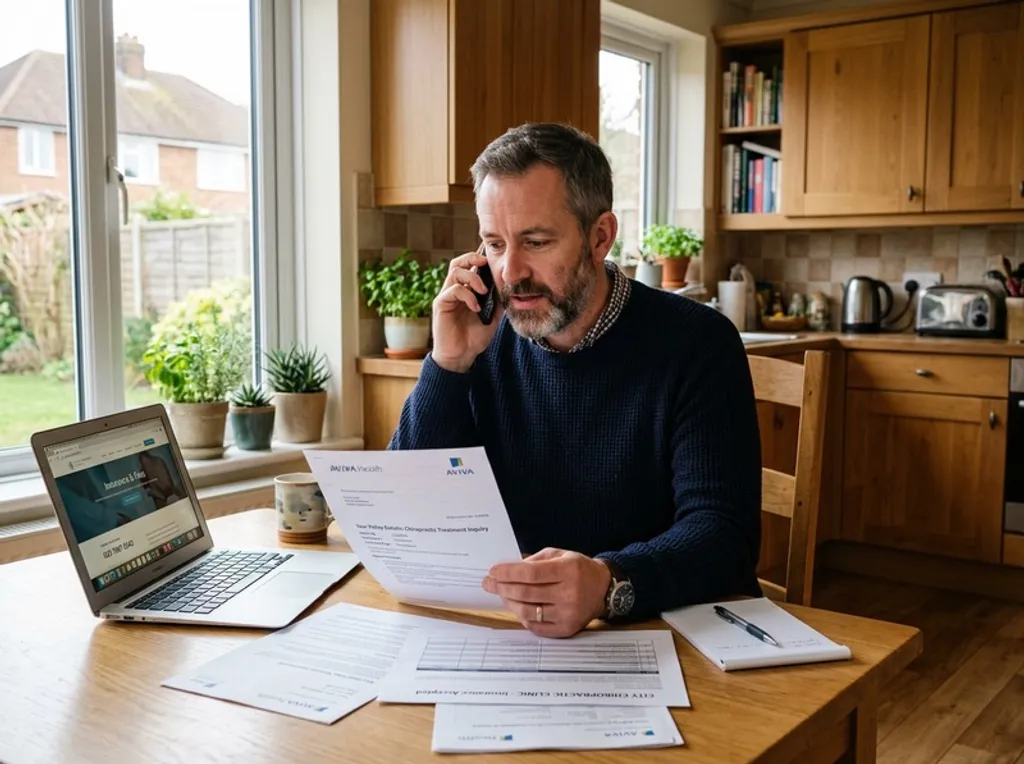
3. Cover after-hours and overflow
Two callers will always slip past a busy desk: the one who calls while you are mid-adjustment with another patient, and the one who calls at 8pm after seeing your ad. Both are ready to book. Both hit voicemail if you have no plan.
You have three honest options for that overflow:
- Voicemail. Cheapest, and the worst converter. Most first-time callers will not leave a message; they dial the next clinic.
- A live answering service. A virtual receptionist answers when you cannot. It works, but it is the priciest option and quality varies by who picks up.
- An AI receptionist. Answers every call instantly, day or night, runs your intake script, books into your schedule, and texts you the details. Flat monthly cost, no per-minute meter.
The point is simple: a first-time caller who reaches a real conversation books; one who reaches an answering machine is gone. Decide how your overflow gets answered before it costs you the patient.
4. Settle the human versus AI question on its merits
The loudest voice in this market is the live-receptionist company quoting a survey that says most patients want a real person, not AI. Take it at face value: on a perfect day, a warm, well-trained human at your desk is excellent.
But that is not the comparison that decides your week. The real choice is between a system that answers every call and one that does not. A human receptionist is only answering when they are at the desk, not on another line, not at lunch, not gone home for the evening. The honest lineup looks like this:
| Voicemail | Live answering service | AI receptionist | |
|---|---|---|---|
| Answers every call, 24/7 | No | Plan hours only | Yes |
| Books into your schedule | No | Sometimes | Yes |
| Follows your intake script | No | Varies by agent | Yes, every time |
| Typical monthly cost | Free | From ~350 dollars plus per-minute | From ~250 dollars flat |
| Texts you the details | No | Sometimes | Yes |
Framed that way, the question answers itself. AI that books the patient beats voicemail every time, and it answers the calls a human service charges you per minute to miss. The patient who wanted a real person still got a real conversation and a real appointment.
5. Cut no-shows with reminders and easy rescheduling
A booked patient who does not turn up is a slot you can never sell again. No-shows are mostly a process problem, not a patient problem, and a few habits move the rate a long way:
- Confirm on the call. A patient who repeats the time back to you is far more likely to keep it.
- Remind by text. A short message the day before, with the day, time, and provider, cuts forgetfulness no-shows sharply.
- Make rescheduling one tap. A patient who can move an appointment in seconds reschedules; one who has to call during clinic hours just vanishes.
- Follow up same day. When someone misses, a quick friendly message that day often rebooks them before they drift off entirely.
Treat every reschedule as a save. The goal is not a perfect attendance record; it is making sure a conflict becomes a moved slot, not a lost patient.
6. Measure the three numbers that matter
You cannot fix what you do not watch. You do not need a dashboard, just three numbers checked monthly:
- Answer rate. What share of inbound calls actually get answered live, evenings and lunch breaks included? This is the leak everything else feeds.
- Booking rate. Of new-patient callers, how many leave with an appointment? A good intake script moves this fast.
- No-show rate. What share of booked patients show up? Reminders and easy rescheduling move this.
Watch those three and the front desk stops being a black box. Pair the playbook with the right tools and you have a complete intake system; we cover the practice management and call-handling stack in best chiropractic software, and the whole approach sits inside how we think about answering the phone for chiropractic practices. Done well, your front desk stops leaking patients and starts compounding them.
Frequently asked questions
- How much does a chiropractic answering service cost?
- Live virtual receptionist services for chiropractic practices typically start around 350 dollars a month and tack on per-minute overage of roughly 1.75 to 2.25 dollars once you run past your plan minutes. AI answering services usually run from about 250 dollars a month at a flat rate with no per-minute meter. Either way, the number that should drive the decision is the cost of the new patients you currently lose to voicemail.
- Do patients prefer a human or an AI receptionist?
- Surveys funded by live-receptionist companies report that most patients say they want a real person, and on a perfect day a great human is hard to beat. But the real-world choice is not AI versus a flawless human. It is a system that answers every call and books the patient versus voicemail and a callback that never comes. A caller who reaches a friendly AI that books them in beats one who reaches your answering machine every time.
- What should a chiropractic front desk say when a new patient calls?
- Open warmly with your name and the practice name, confirm it is a new patient, then capture the essentials: name, callback number, what is bothering them, and how soon they want to be seen. Offer the first realistic appointment, repeat it back to confirm, and tell them what to bring and what to expect. The goal of the first call is a confirmed booking, not a triage of their condition.
- How do I reduce no-shows at a chiropractic practice?
- Confirm the appointment on the call, send a text reminder the day before with a one-tap way to reschedule, and make rebooking effortless so a conflict becomes a moved slot rather than a missed one. Track your no-show rate, follow up the same day with anyone who does not arrive, and treat every reschedule as a save rather than a lost patient.
More chiropractic & physical therapy guides
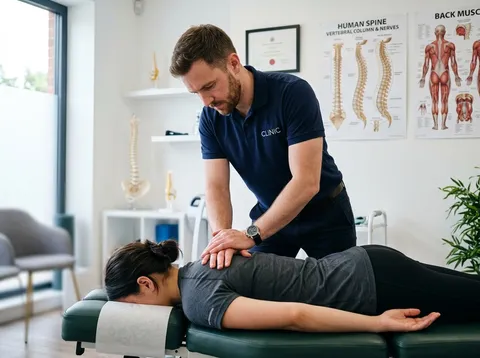
Chiropractic marketing cost: the real per-channel numbers
A numbers-first look at what chiropractic marketing costs by channel, a realistic cost per new patient, and the conversion leak no agency mentions: the calls your ad spend pays for but the front desk never picks up.
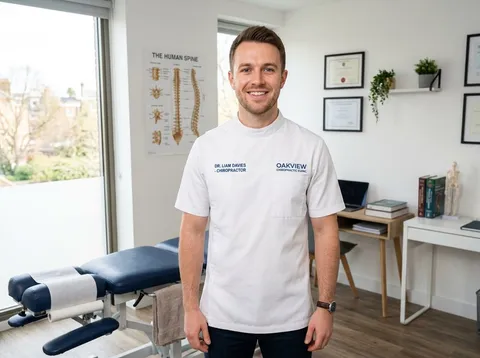
Best chiropractic software: PMS, EHR, scheduling and the phone layer
A vendor-neutral look at chiropractic practice management software, from EHR and scheduling to billing, plus the front-desk call-handling layer every other roundup skips.
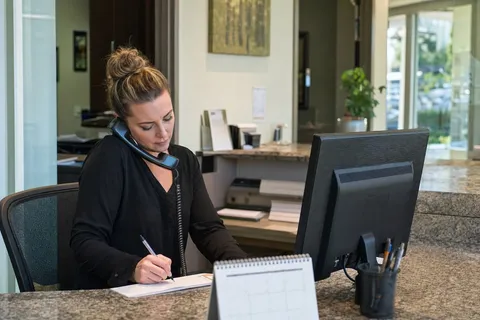
Dental Answering Services Compared: The Honest Options Table
A real side-by-side of every way to cover your practice phone - voicemail, in-house front desk, a live answering service, and AI - with indicative pricing and the new-patient math, so you decide on merit instead of marketing.